
Construction Project Document Repository and Drawing Management Software
Contract, drawings, and site records in one repository
Upload the awarded contract and the document repository is created automatically. Every drawing, submittal, RFI, and correspondence item linked to the project, version-controlled and searchable.
Your project documents are in four different places
The awarded contract is in an email. Drawings are in a Dropbox folder shared six months ago. RFI responses are in another email thread. The latest revision is on the site engineer's phone, or possibly the foreman's. This is how most projects are managed, until a dispute starts.
By the time you need a specific document, finding it takes longer than reading it.
Contract document buried in a pre-project email
The awarded contract, addenda, and amendments are in email threads that predate the project. New team members have no idea where to find them.
Drawings distributed over WhatsApp
Revision B3 was sent to the group chat last Tuesday. Some subcontractors still have A2. Nobody is sure which revision the site engineer is working from.
No version control
Multiple revisions in circulation with no clear way to know which is current without calling the designer or the PM directly.
RFI responses not linked to the drawings they clarify
The answer to RFI-004 is in an email. The drawing it clarifies is in a separate folder. The connection between them exists only in the contracts manager's memory.
New team members start from scratch
A new site engineer joining mid-project has no idea where the contract is, which drawing revision is current, or who holds the RFI register.
No document evidence trail during disputes
Proving that a particular drawing was in circulation on a specific date requires hunting through email histories, phone records, and WhatsApp logs.
One repository for every document on the project
Upload the awarded contract and CivilBolt creates the document repository automatically. Drawings, submittals, RFIs, and correspondence stored in one place, version-controlled, and linked to the tasks and clauses they relate to.
Every team member sees the same documents. Always the current version.
Repository auto-populated from the contract
Document structure created from the contract document at upload. Project name, parties, and reference numbers extracted automatically. No folders to create manually.
Version control with full revision history
Upload a new drawing revision and the previous version is archived with its upload date and uploader. Current revision clearly marked. Historical versions accessible when needed.
Documents linked to tasks and clauses
RFI responses and submittals linked to the task or scope item they apply to. Find every document relevant to a specific activity in one click.
Searchable by clause number or keyword
Find any contract clause, drawing reference, or correspondence item by keyword without opening individual files. Works on the full text of uploaded PDFs.
Shared access with role-based permissions
Every team member sees the current document set. Set who can upload, who can view, and which documents are restricted to the contracts team.
Dispute-ready audit trail from day one
Every document has an upload date, uploaded by, and version number. Proving what was in circulation on a specific date requires no hunting.
From contract upload to live document repository in three steps
No folder structure to create. No naming conventions to enforce.
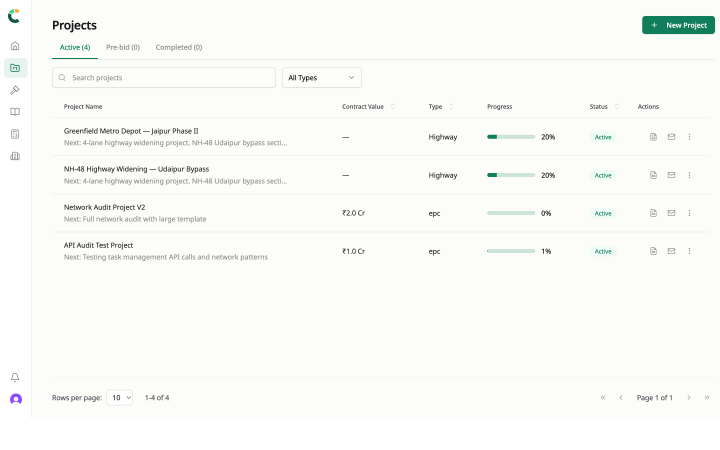
Upload the awarded contract
CivilBolt creates the document repository from the contract PDF. Project name, parties, contract value, and reference structure extracted automatically.
Add drawings, submittals, and RFIs
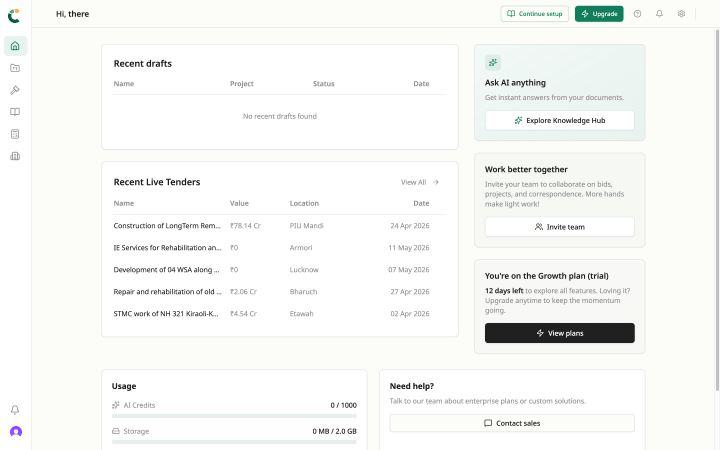
Upload documents by category. Link RFIs to the drawings they clarify and to the tasks they affect. Revision history maintained automatically.
Team accesses current versions with full history
All team members see the current document set. New revisions replace old ones with the previous versions archived. No email distribution required.
Inside the project management workspace
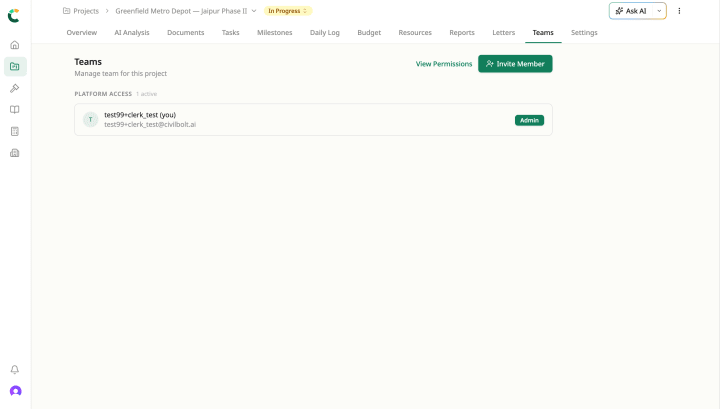
Documents ships alongside the rest of the Project Management workspace. They share the same uploaded document, the same project record, the same Civil Brain reading across all of them.
Replace the shared Dropbox folder with a proper project repository
Custom quote · 14-day pilot on a live project · Implementation in 2–4 weeks.